Skip to content
ITG NowFollow

Home › Free AI tools › For everyone

Free AI tools for everyday use and privacy

Free, open-source AI tools from GitHub that fit everyday use and privacy, explained simply.

Quick answer

21 free, open-source tools picked for everyday use and privacy. Newest: PureMac: Free CleanMyMac Alternative, No Subscription. Most GitHub stars: OpenClaw (392K).

  • 21 guides
  • 21 with a video
  • 9 MIT licensed
  • Updated 2026-10-16

Why these picks

These are free tools for everyday life on your computer, no coding job required. You'll find private AI assistants that chat with you in WhatsApp or Telegram, offline voice typing, a workout tracker with no subscription, free Mac cleaners, a menu bar tidy-up app, and a way to turn any website into its own desktop app. A few help with privacy: they run AI on your own computer, so your chats and notes stay on it. There are job search helpers too, which check job posts against your CV. Every guide is written in plain words, with copy-paste setup steps and our honest take on each tool.

Each guide below is for a tool whose own README, examples and "who it's for" notes fit everyday use and privacy. Every guide has setup steps from the tool's own page.

21 free AI tools for everyday use and privacy

Newest first. Each card opens the full guide.
All tools
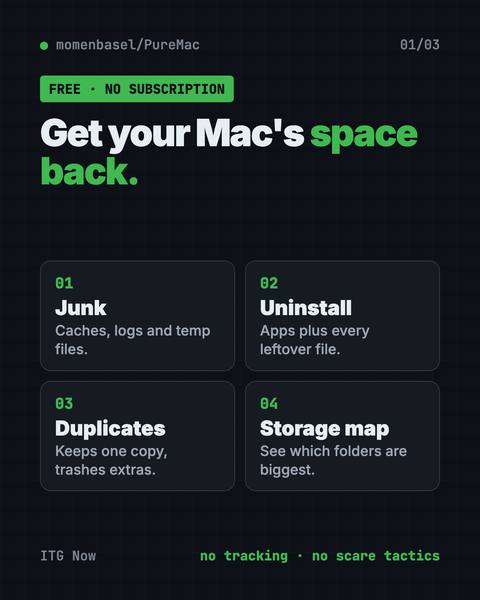
First infographic from the PureMac guide
2026-10

PureMac: Free CleanMyMac Alternative, No Subscription

PureMac is a free CleanMyMac alternative.
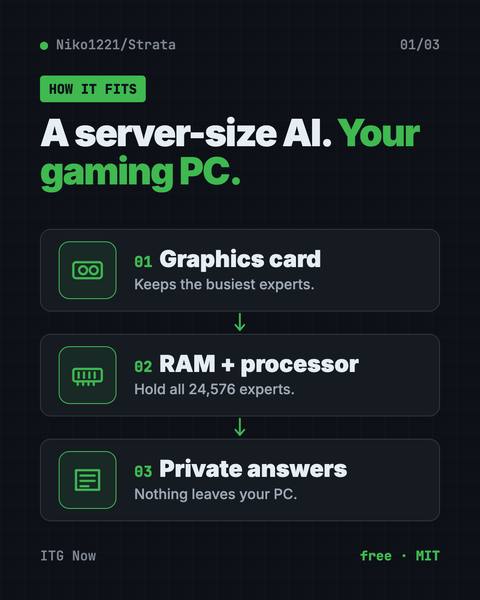
First infographic from the Strata guide
2026-10

Strata: Run Big Local AI on a Gaming PC, Free

Strata is a free installer that runs big, private local AI on a gaming PC.
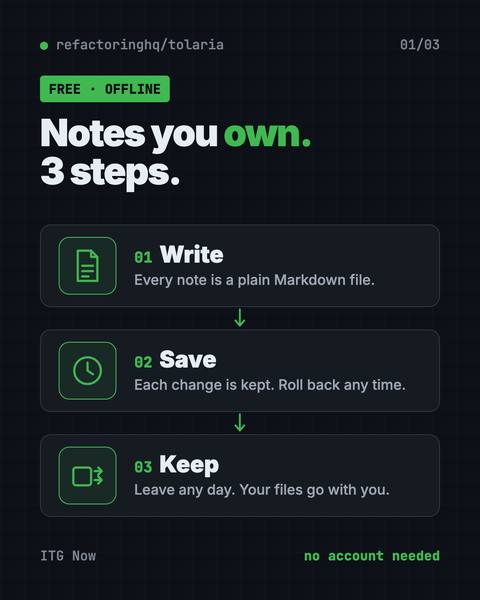
First infographic from the Tolaria guide
2026-10

Tolaria: A Free Offline Notes App You Fully Own (2026)

Tolaria is a free offline notes app for Mac, Windows and Linux.
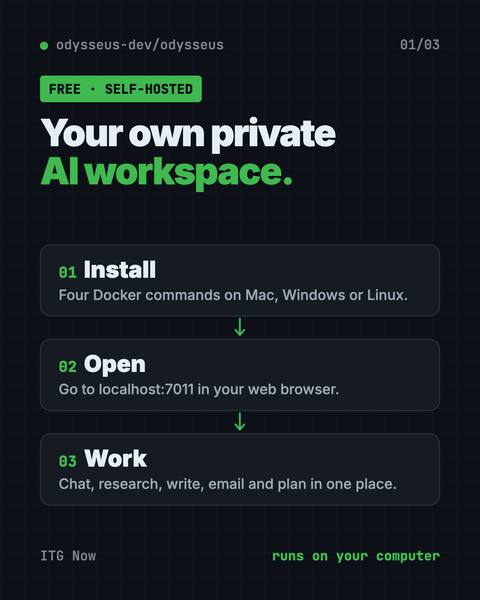
First infographic from the Odysseus guide
2026-10

Odysseus: Free Self-Hosted AI Workspace (2026 Guide)

Odysseus is a free self-hosted AI workspace for chat, deep research, documents, email, notes and calendar.
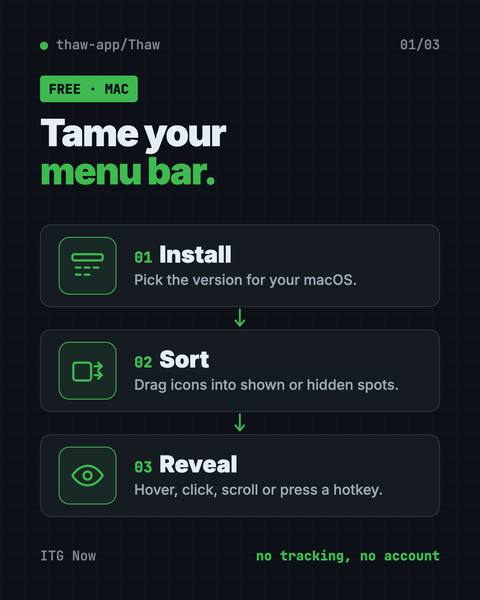
First infographic from the Thaw guide
2026-10

Thaw: Free Mac Menu Bar Manager, No Tracking (2026 Guide)

Thaw is a free Mac menu bar manager that hides, sorts and styles the icons at the top of your screen.
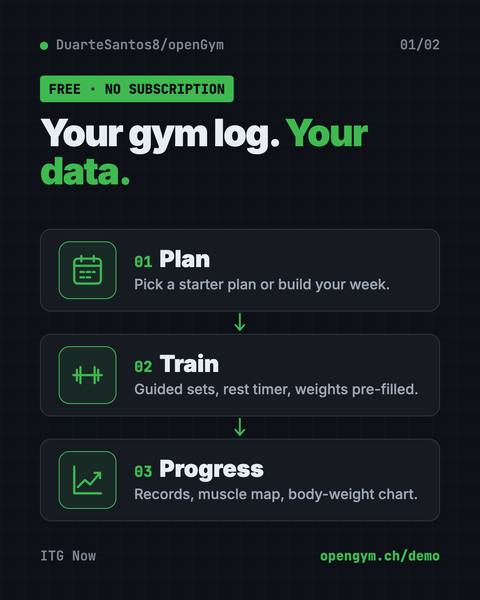
First infographic from the openGym guide
2026-10

openGym: Free Workout Tracker App With No Subscription

openGym is a free workout tracker app you own.
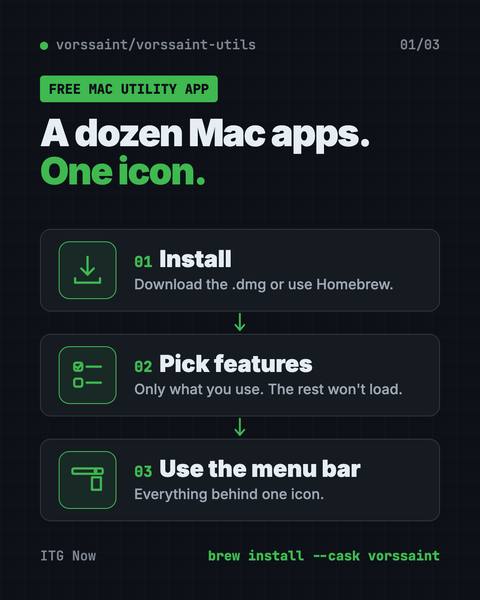
First infographic from the Vorssaint Utils guide
2026-08

Vorssaint Utils: Free Mac Utility App for Menu Bar (2026)

Vorssaint Utils is a free Mac utility app.
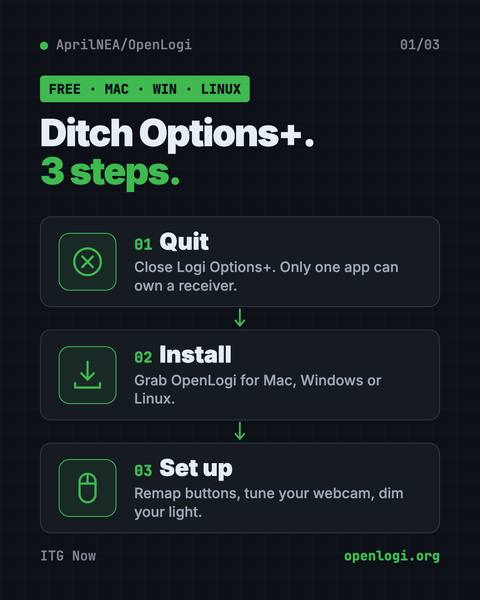
First infographic from the OpenLogi guide
2026-08

OpenLogi: Free Logitech Options+ Alternative (2026)

OpenLogi is a free Logitech Options+ alternative.
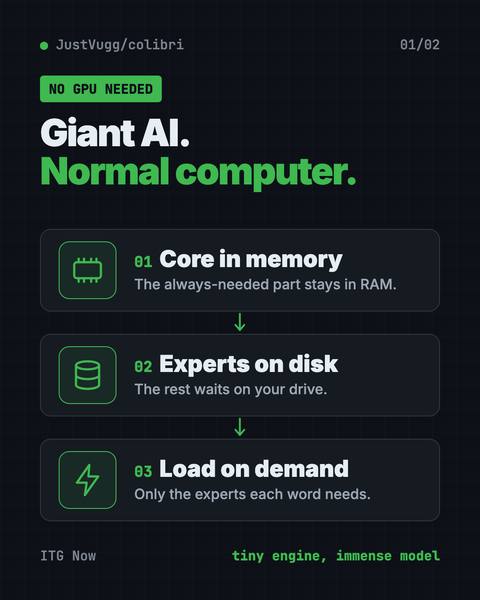
First infographic from the Colibri guide
2026-07

Colibri: Run Large AI Models Locally Without a GPU

Colibri is a free tool to run large AI models locally on the computer you already own.
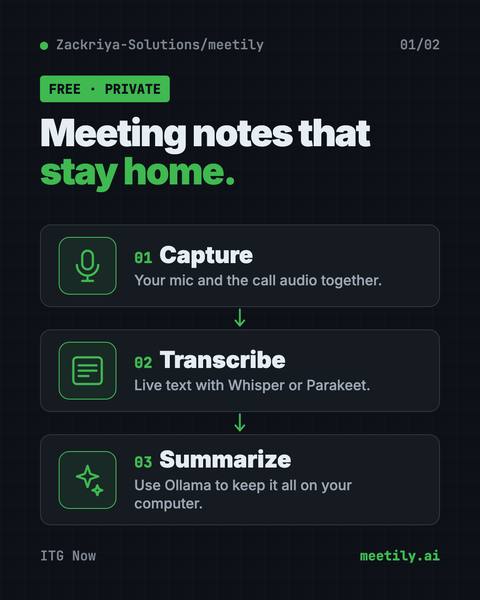
First infographic from the Meetily guide
2026-07

Meetily: Free AI Meeting Note Taker That Stays Private

Meetily is a free AI meeting note taker.
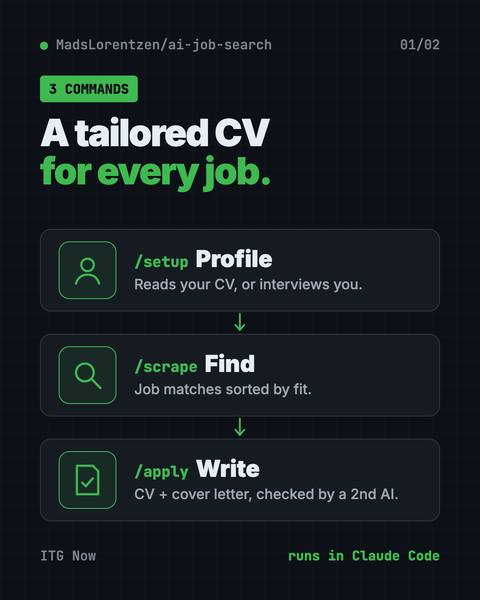
First infographic from the AI Job Search guide
2026-07

AI Job Search: Tailor Your CV With AI for Every Job (2026)

AI Job Search helps you tailor your CV with AI for every job.
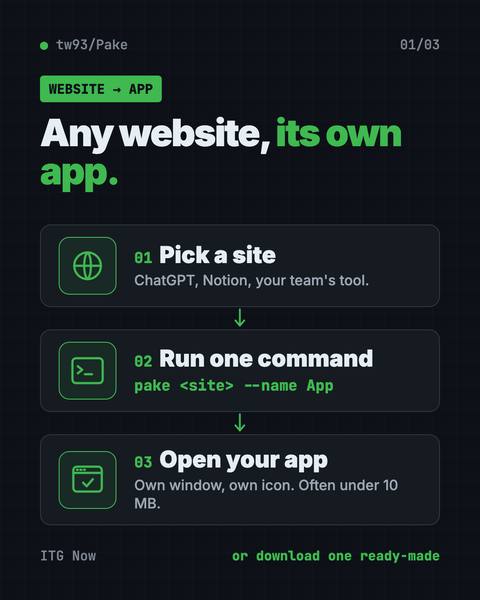
First infographic from the Pake guide
2026-06

Pake: Turn Any Website Into a Desktop App, Free (2026)

Pake lets you turn any website into a desktop app with one command.
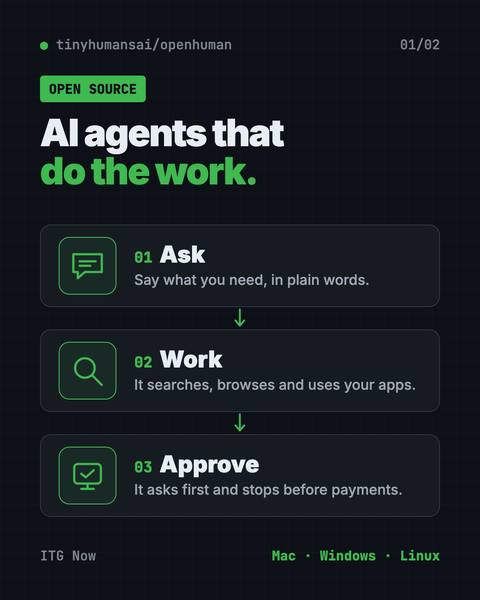
First infographic from the OpenHuman guide
2026-05

OpenHuman: Open Source AI Agent App That Runs Lean (2026)

OpenHuman is an open source AI agent app for Mac, Windows and Linux.
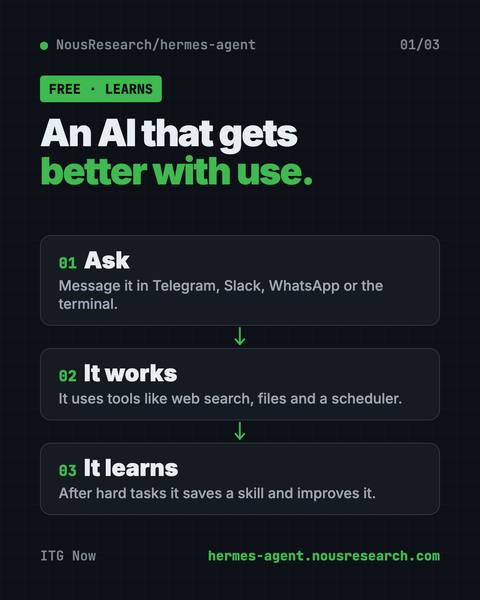
First infographic from the Hermes Agent guide
2026-04

Hermes Agent: Free Self-Improving AI Agent (2026 Guide)

Hermes Agent is a free self-improving AI agent from Nous Research.
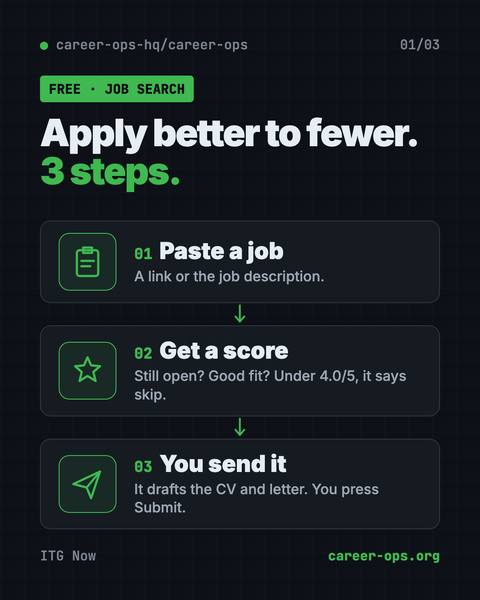
First infographic from the Career-Ops guide
2026-04

Career-Ops: Free AI Job Search Tool That Says Skip (2026)

Career-Ops is a free AI job search tool.
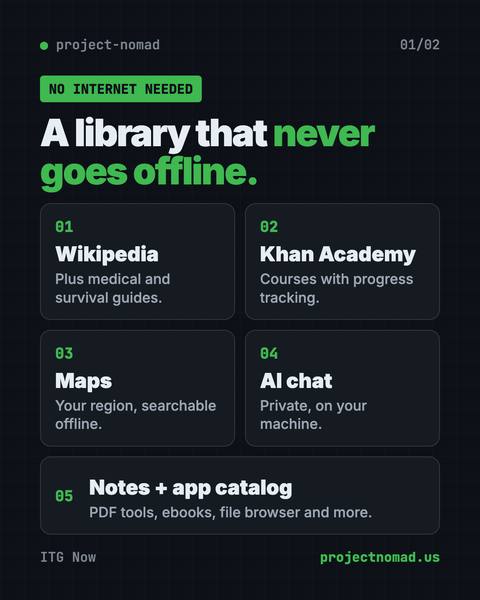
First infographic from the Project NOMAD guide
2026-03

Project NOMAD: Free Offline Knowledge Server (2026 Guide)

Project NOMAD is a free offline knowledge server with Wikipedia, medical guides, Khan Academy courses, maps and a local AI that work with no internet.
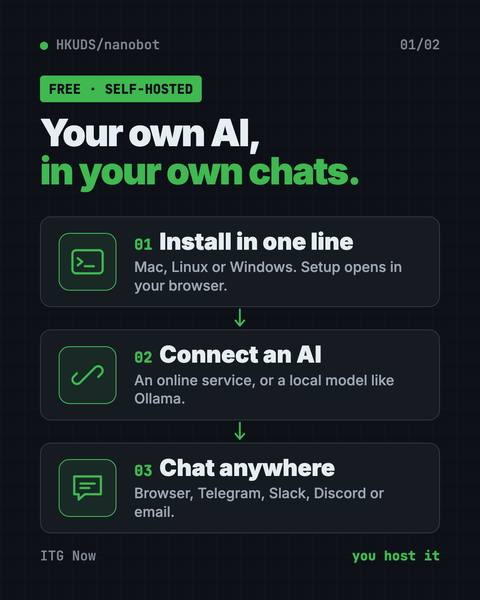
First infographic from the nanobot guide
2026-02

nanobot: Free Self-Hosted AI Assistant You Own (2026)

nanobot is a free self-hosted AI assistant.

First infographic from the World Monitor guide
2026-02

World Monitor: A Free Live World News Map With AI Briefs

World Monitor is a free live world news map.
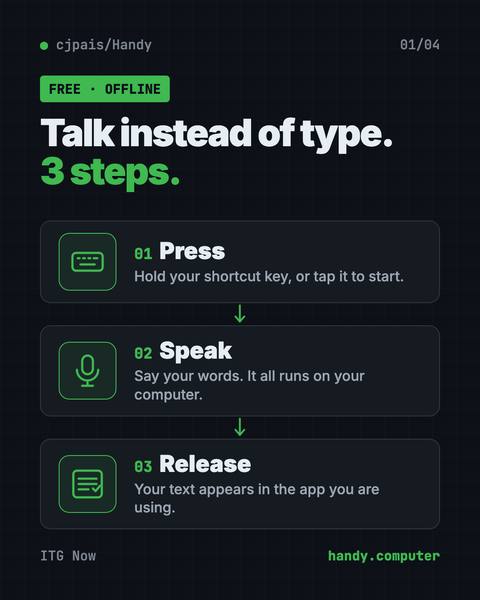
First infographic from the Handy guide
2026-01

Handy: Free Offline Voice Typing App (2026 Guide)

Handy is a free offline voice typing app.
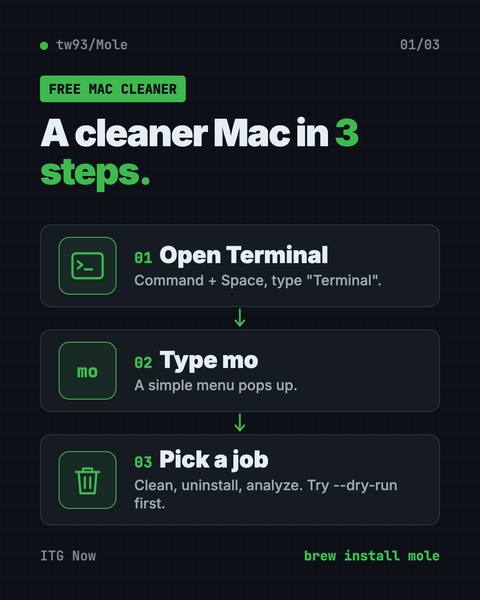
First infographic from the Mole guide
2026-01

Mole: Free Mac Cleaner That Runs in Terminal (2026)

Mole is a free Mac cleaner you run in Terminal.
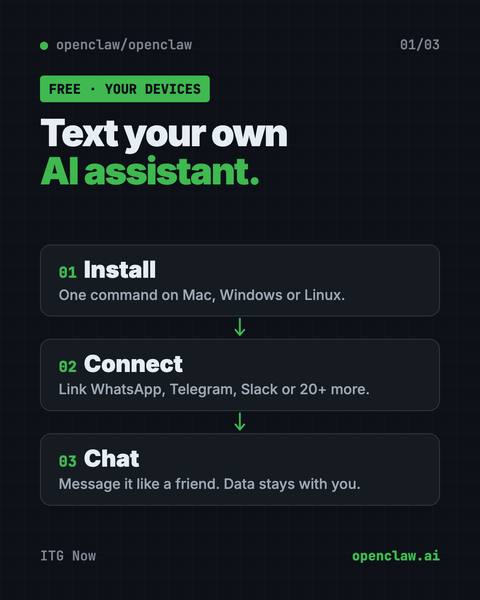
First infographic from the OpenClaw guide
2026-01

OpenClaw: Free AI Assistant for WhatsApp and Slack (2026)

OpenClaw is a free AI assistant for WhatsApp, Telegram, Slack and 20+ more chat apps.

Most starred and how they are licensed

Stars are a rough sign of how many people find a tool useful.

By license

MIT9GPL-3.05AGPL-3.04Apache-2.02Apache-2.0 / MIT1

21 of 21 guides list a license

By platform

Mac18Windows16Linux15

Out of the 21 guides that list platforms

Other groups

The same guides, sorted by who they fit.

All tools

FAQ

Are these AI tools for everyday use and privacy free?

All 21 tools here are open source on GitHub. By license: MIT (9), GPL-3.0 (5), AGPL-3.0 (4), Apache-2.0 (2), Apache-2.0 / MIT (1). A tool can be free while an AI service it connects to is not, so check the price row in each guide's at-a-glance table.

Which of these tools has the most GitHub stars?

OpenClaw, with 392K stars when our guide last checked (2026-10-16).

Do they work on Mac, Windows and Linux?

14 of the 21 guides that list platforms say Mac, Windows and Linux. Each guide's at-a-glance table names the platforms for that tool.

Which guide for everyday use and privacy is the newest?

PureMac: Free CleanMyMac Alternative, No Subscription, published 2026-10-15.